


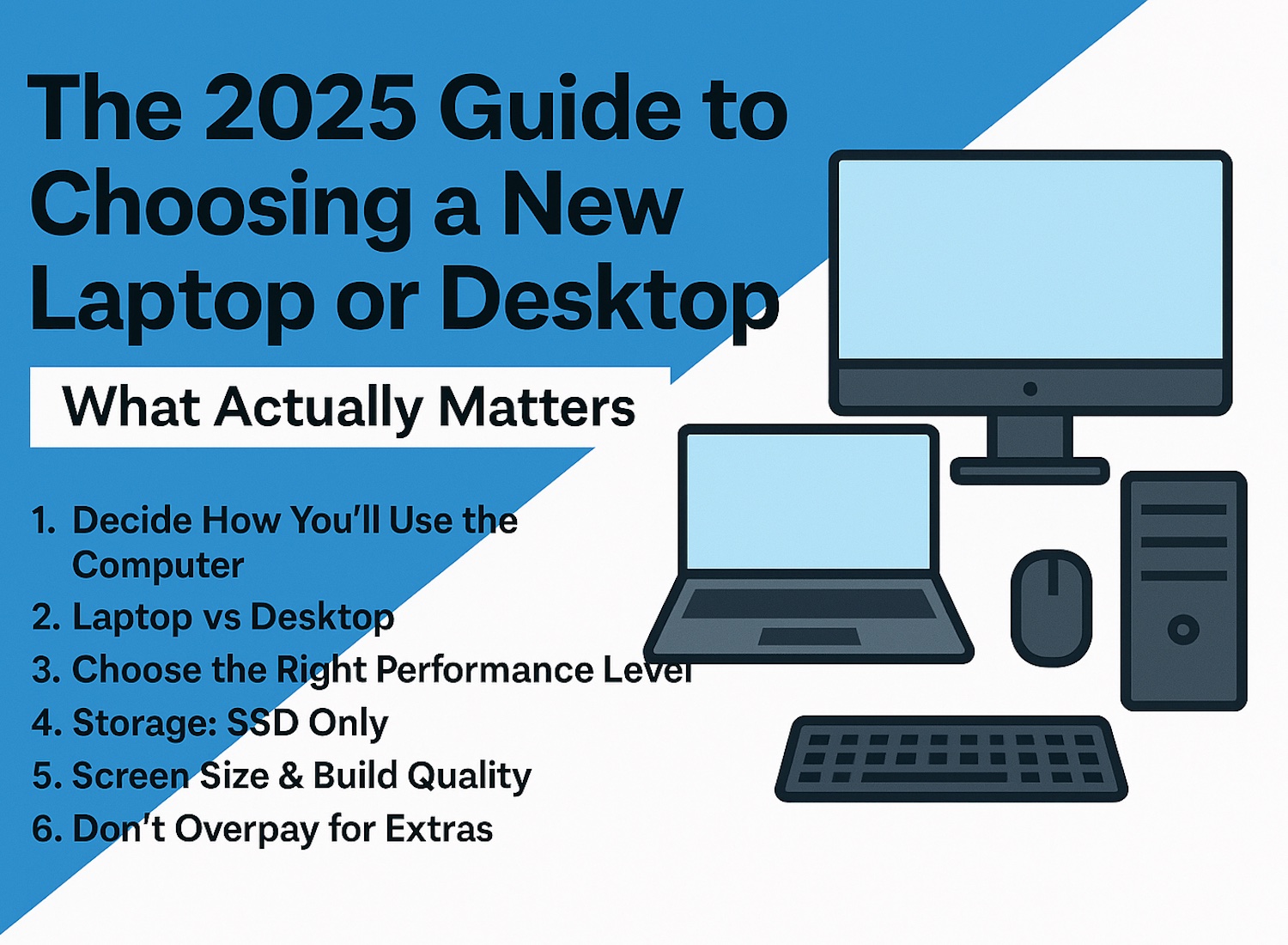
The 2025 Computer Buying Guide
Choosing a new computer in 2025 doesn’t have to be stressful. Whether you're replacing a slow machine or buying your first device, the key is focusing on what actually matters — not confusing sales terms or flashy marketing.
1. Decide Between Apple or Windows
Choose Apple (Mac) if you want…
- Smooth, stable experience with great hardware–software integration
- Easy setup and minimal maintenance
- Strong creative-app performance
- Complete backup solution included -
- Seamless pairing with iPhone/iPad
- Premium build quality (but higher price)
Choose Windows PC if you want…
- More options at every price point
- Better value for performance
- Easy upgrades/customization
- Best compatibility with games and niche software
- Wider range of hardware designs
2. Decide How You’ll Use the Computer
Before looking at models, think about your needs:
- Basic use: browsing, email, streaming
- Work from home: multitasking, office software
- Creative work: photo/video editing
- Gaming: requires higher performance
Your usage, the apps you want to run determines everything else.
3. Laptop vs Desktop
Laptop: portable, space-saving, great for students and home offices.Desktop: better performance for the price, easier to repair and upgrade.
4. Choose the Right Performance Level
Here’s the simple version:
- Good: 8GB RAM, SSD, modern entry-level CPU
- Better: 16GB RAM, SSD, mid-level CPU
- Best: 32GB RAM, SSD, high-performance CPU
And remember: an SSD is the #1 upgrade that speeds up a computer.
4. Storage: SSD Only
In 2025, avoid any device still using an HDD as its main drive.An SSD is faster, quieter, cooler, and more reliable.
6. Screen Size & Build Quality
Bigger screens are nicer to work on, but heavier to carry.For laptops, choose:
- 14–15 inch for balance
- 16–17 inch for heavy use
- 13 inch for portability
7. Don’t Overpay for Extras
Most users don’t need touchscreens, gaming GPUs, or 4K displays.Focus on what improves real everyday use — speed, reliability, comfort.
Conclusion
If you’re unsure what to choose, BRCHCS can help you pick or set up your next computer so it lasts for years.


