


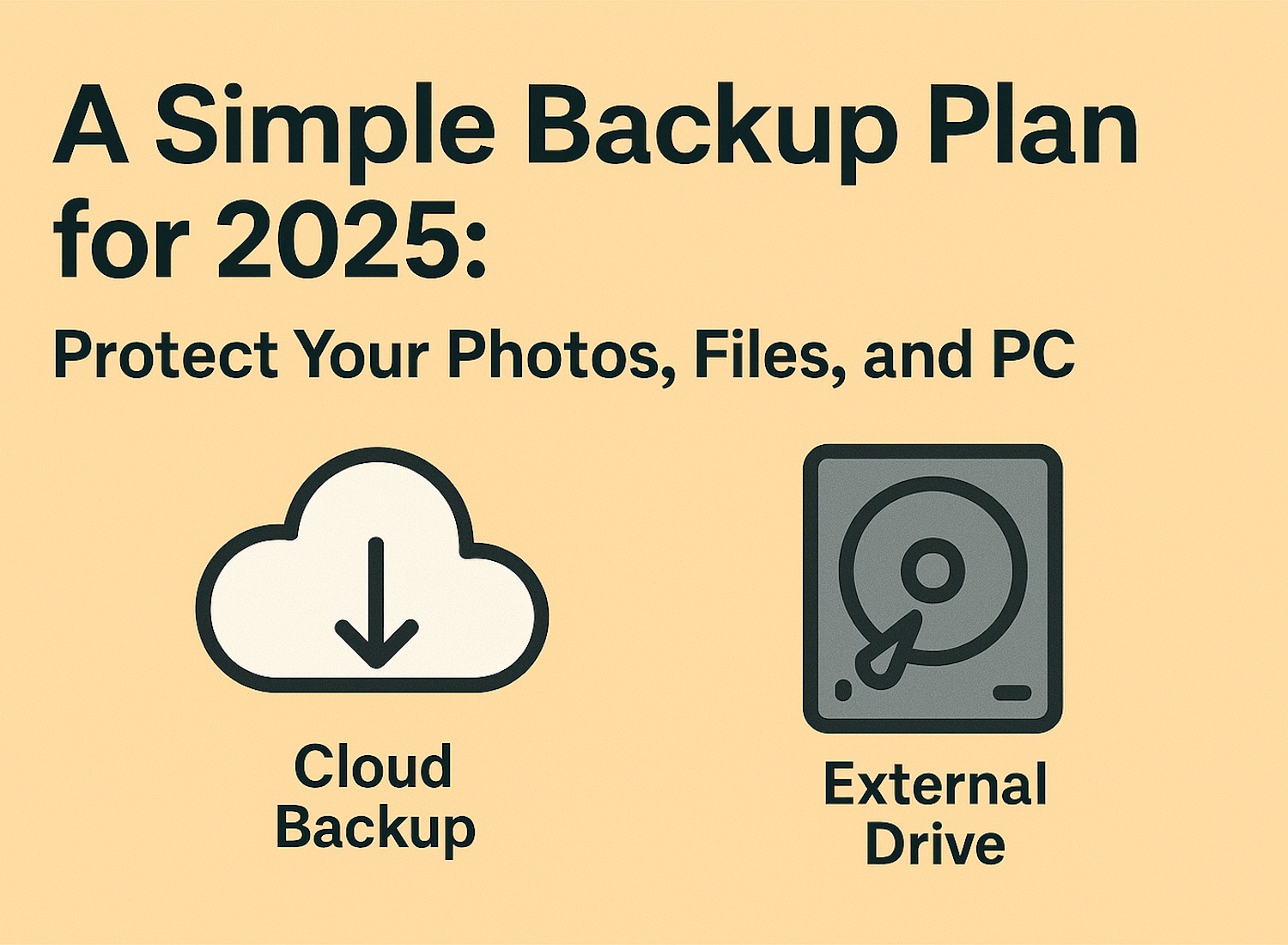
Backup Plan
Losing your photos or documents is heartbreaking — and preventable. A good backup doesn’t need to be complicated. Here’s the simple, reliable BRCHCS-approved 2025 backup plan.
1. Use Cloud Backup for Important Files
Cloud services automatically save your documents and photos. Good options:
- OneDrive
- Google Drive
- iCloud
- Dropbox
2. Use an External Drive for Full Backups
This protects your whole computer — settings, apps, everything. Windows users: use File History or Windows Backup.
- Recommended Windows backup/recovry solution
Mac users use Time Machine for a complete backup/restore solution.
- Bonus Time Machine also allows transitioning to a new machine
3. Follow the 3-2-1 Rule
- 3 copies of your files
- 2 locations (cloud + external drive)
- 1 copy off-site (cloud)
4. Test Your Backups
A backup isn’t a backup unless you can restore it. Check at least every 3 months.


